
See what's using your disk space
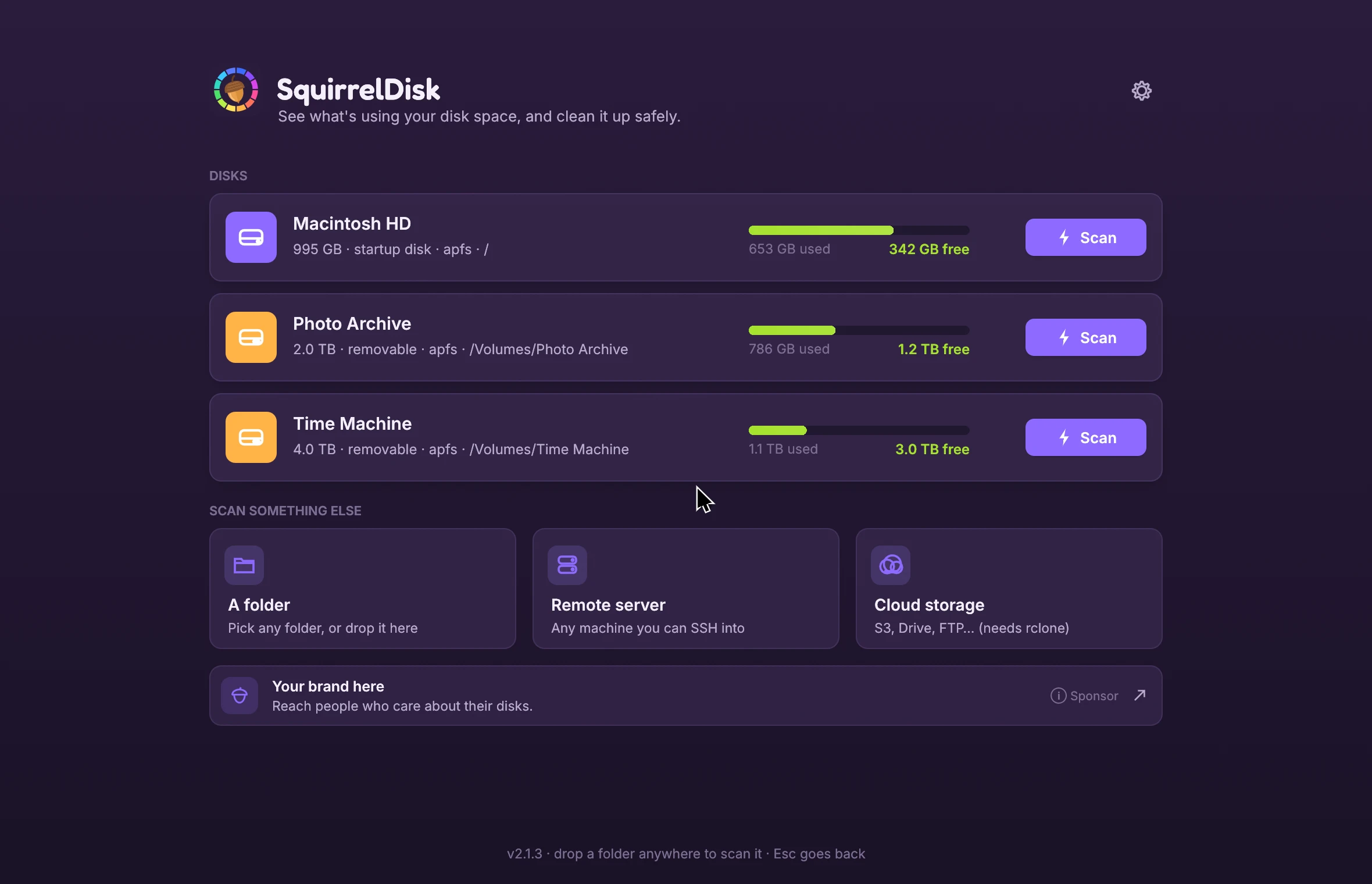
SquirrelDisk maps your whole disk as a colourful chart in seconds, so you can find the big stuff and clean it up safely. Free for macOS, Windows and Linux.
v2.6.1 · macOS · Windows · Linux
Features
Find the space hogs. Clean up with confidence.
Everything you need to understand a full disk, and nothing you don't.
The whole disk at a glance
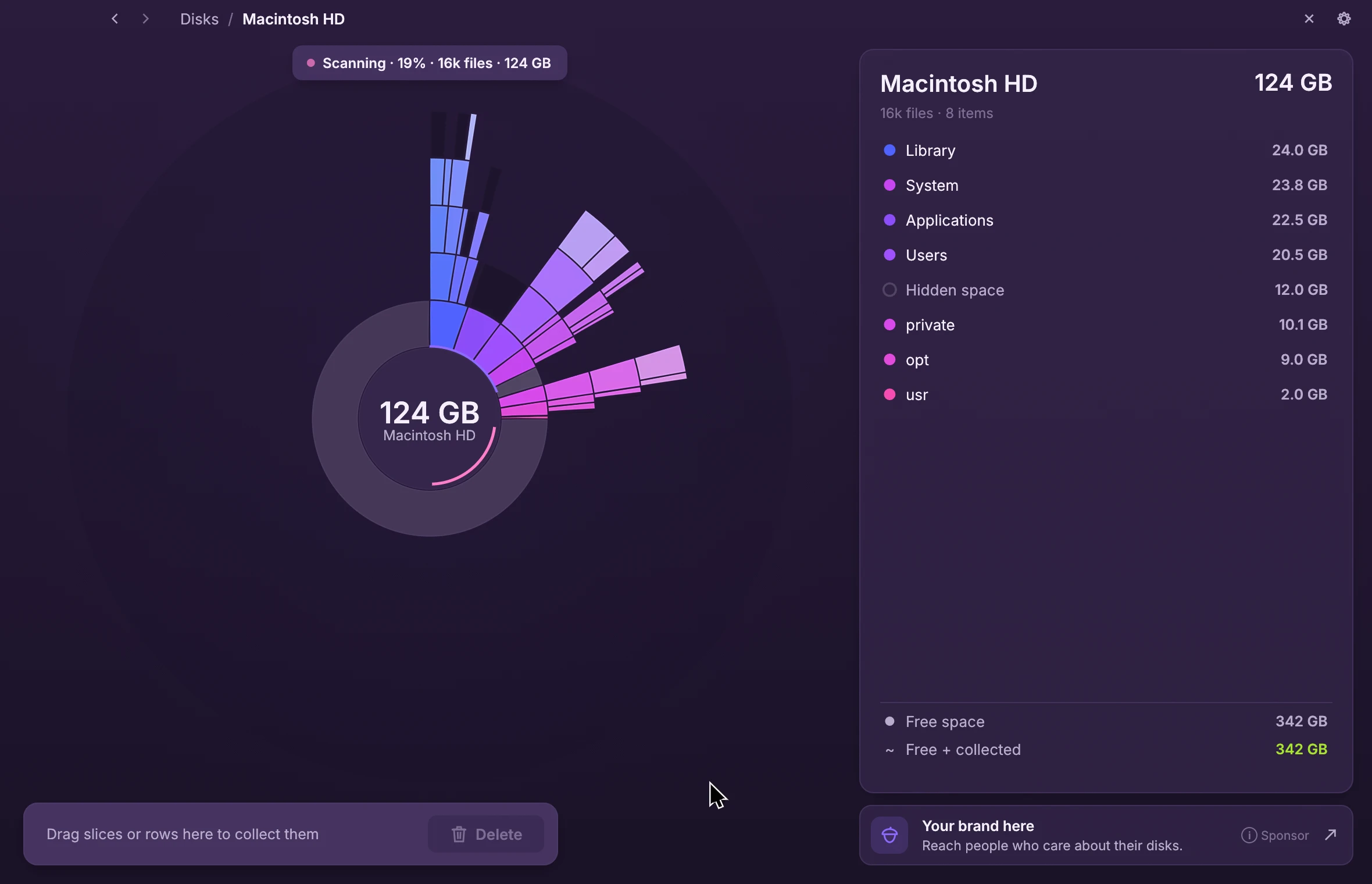
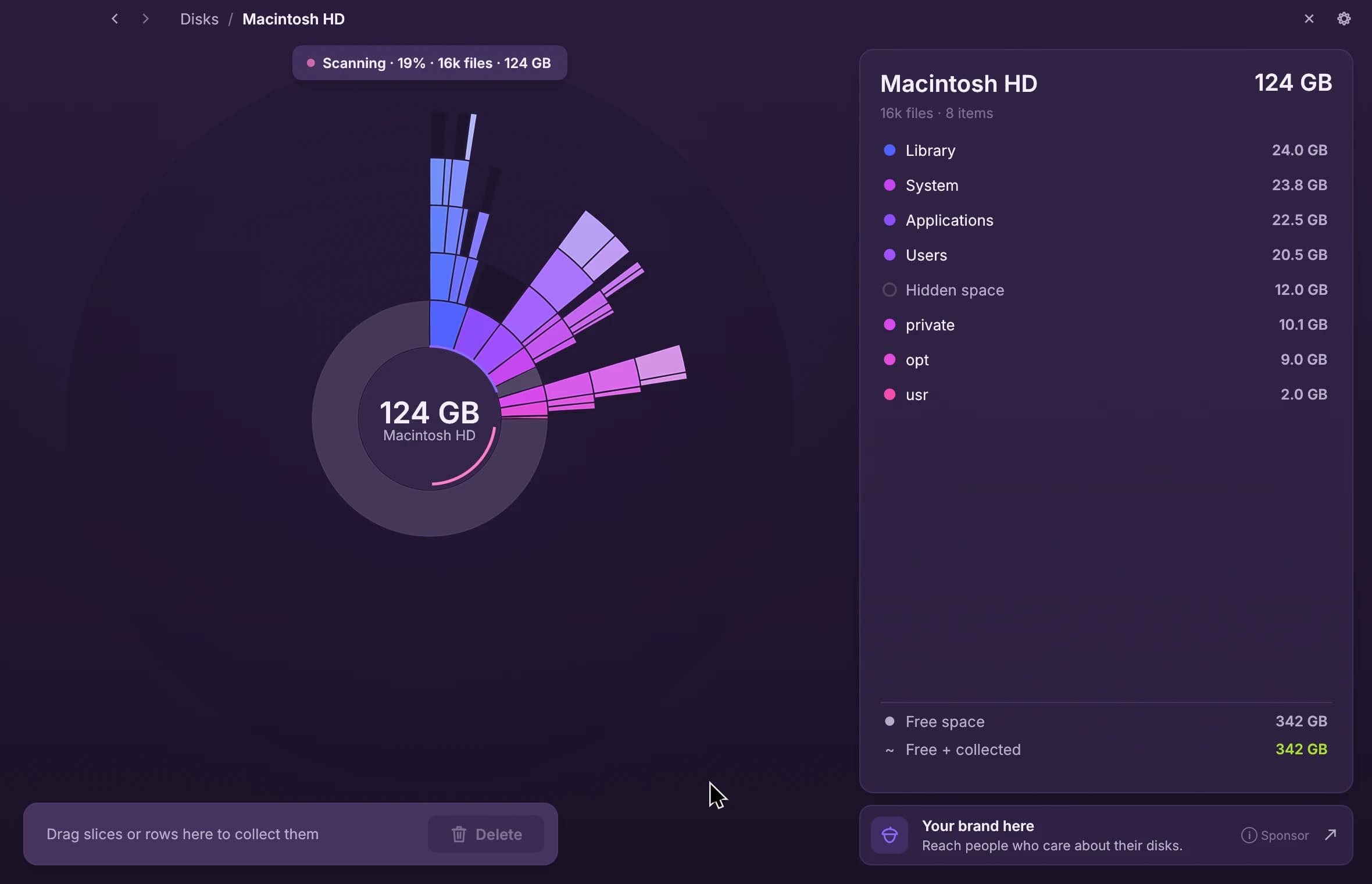
Every folder becomes a slice of a colourful sunburst, sized by the space it takes. The chart builds up live while the scan runs, so the big offenders show up in seconds.
- Live, animated chart while scanning
- Biggest folders listed first
- Free space and what you've collected, always in view
Explore by clicking
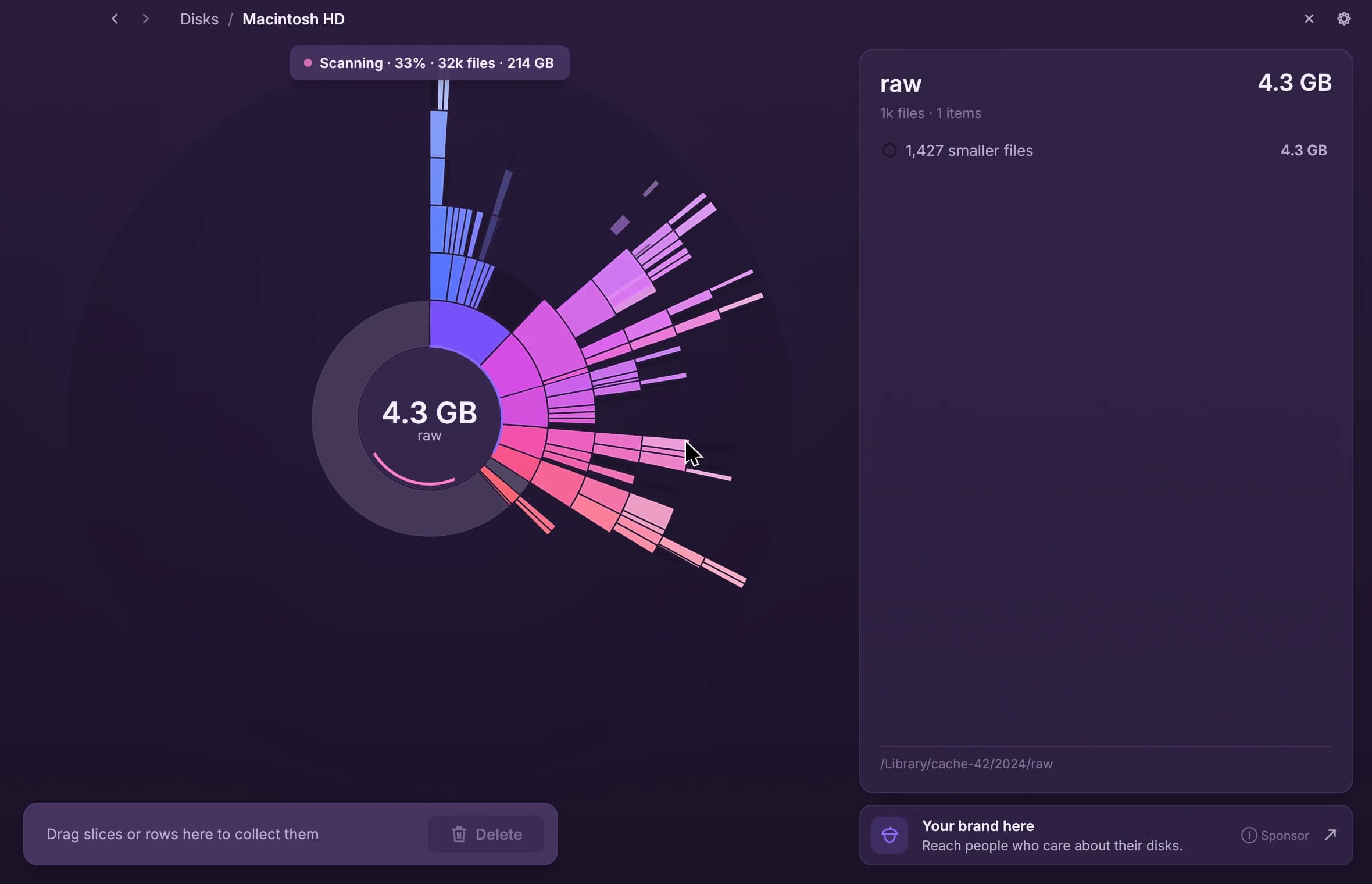
Click a slice to zoom in, click the centre to go back. Hover any slice and the side list shows what's inside, biggest first.
- Tiny files are grouped so the chart stays readable
- Open any group to see everything in it
- Adjustable chart depth
Collect, then clean up
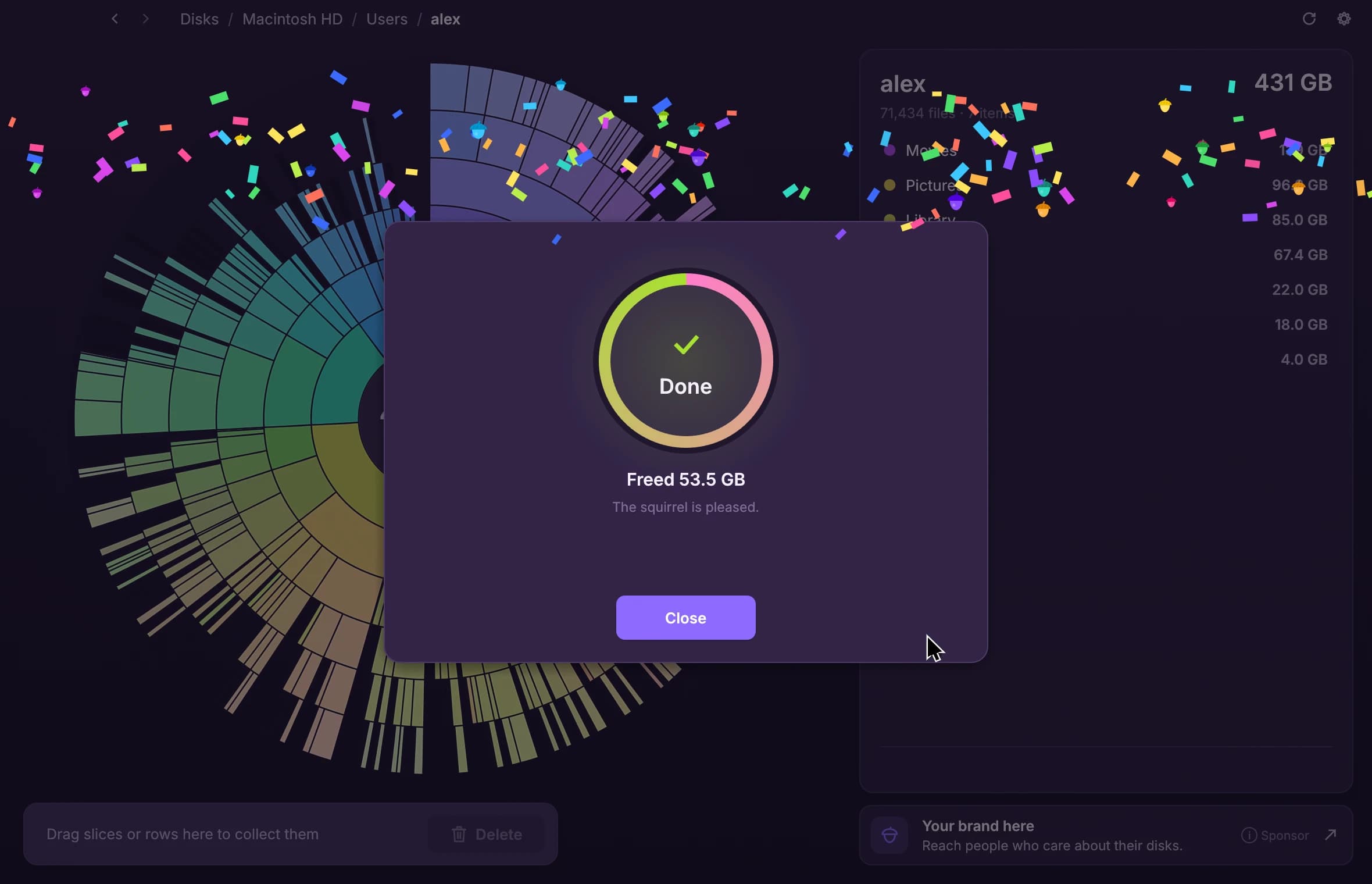
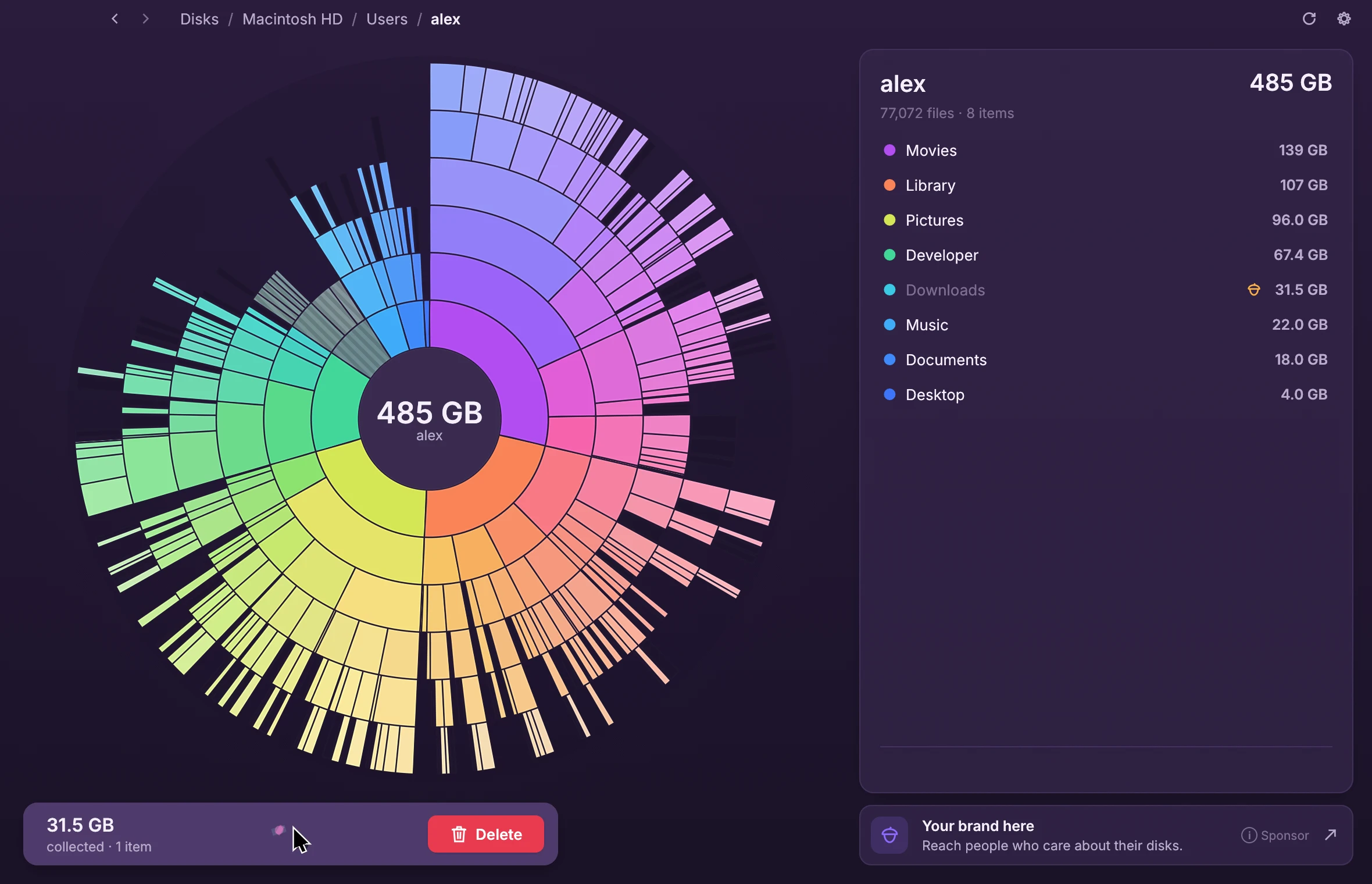
Drag slices or list rows into the collector at the bottom. When you're ready, choose what happens. A progress view keeps you posted, with a little celebration at the end.
Move to the Trash
Recoverable later
Delete for good
Frees space right away
Secure eraseNew
Overwrites files before removing them
Back up, then delete
To an external drive or the cloud
Find duplicates, keep the right copyNew
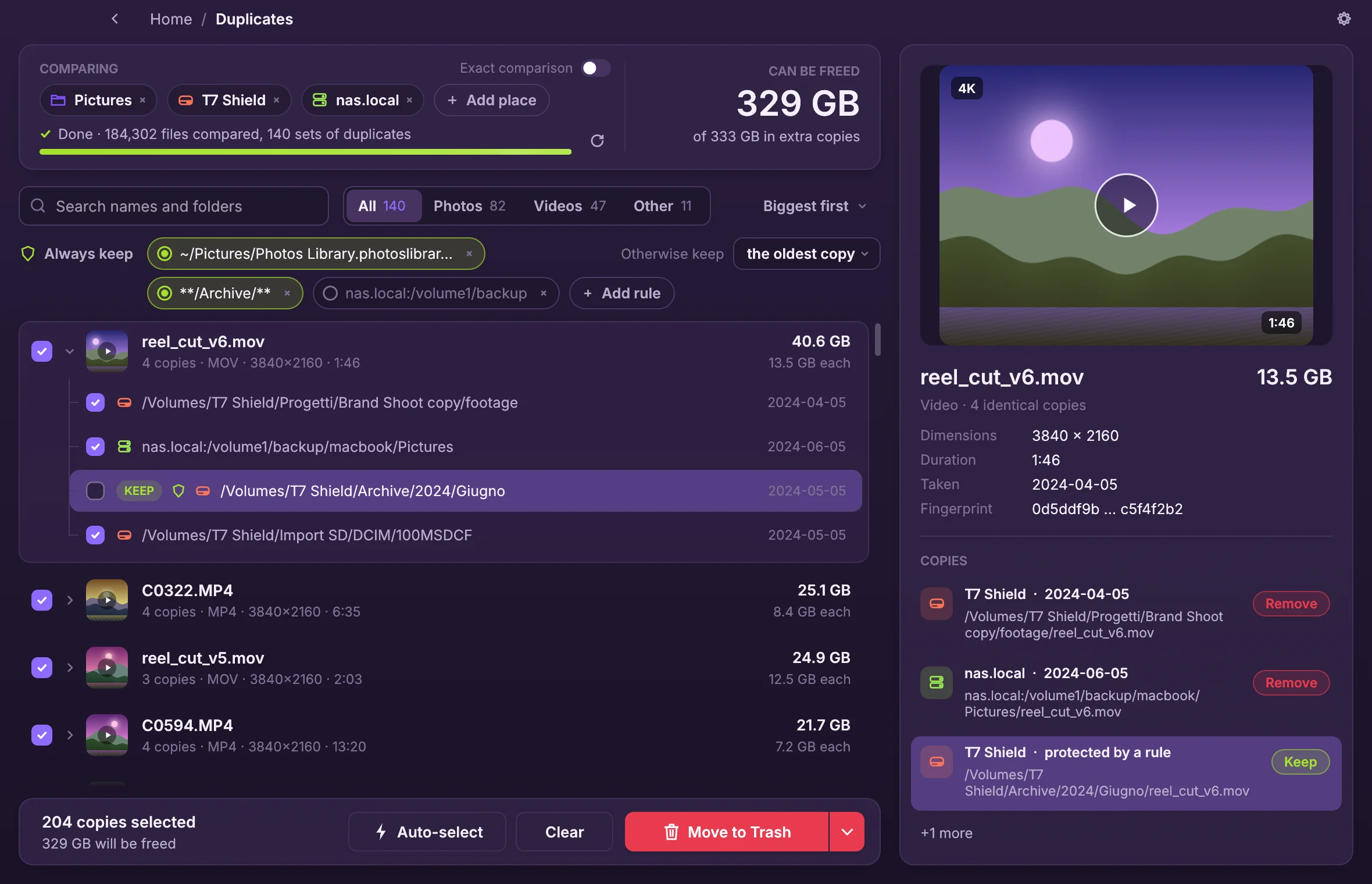
Imported the same card twice, or copied a whole project folder? Add the places to compare (folders, disks, servers, cloud storage) and identical files show up while the scan runs, biggest savings first.
- Matched by content, not by name: renamed copies are found too
- Rules pick the copy to keep: always keep these folders, otherwise the oldest
- Previews of photos, RAW and videos, with every copy's full path
- Shows how much space you get back, then Trash or delete for good
Safe by design
System folders, your home folder, whole drives and other essential locations are protected. App and settings folders ask for an extra confirmation.
Accurate numbers
Shows the space files really take on disk. Cloud-only files (iCloud, Dropbox, Google Drive, OneDrive) count as zero, and linked folders count once.
Always up to date
Delete something in Finder, Explorer or your file manager and the chart updates on its own.
Servers and cloud storage
Scan any machine you can reach over SSH, or S3, Google Drive, Dropbox, FTP and many more through rclone.
Secure eraseNew
An option for permanent deletion: files are overwritten three times (DoD 5220.22-M) before being removed, so private data is much harder to recover.
Available in 25 languagesNew
From English, 简体中文 and Español to हिन्दी, العربية and Italiano. Picked automatically, changeable in Settings.
Treemap view
Prefer boxes? Switch to the treemap
Every folder becomes a box inside its parent, sized by the space it takes. Pick the sunburst or the treemap in Settings: clicking, hovering, collecting and deleting work the same way in both.
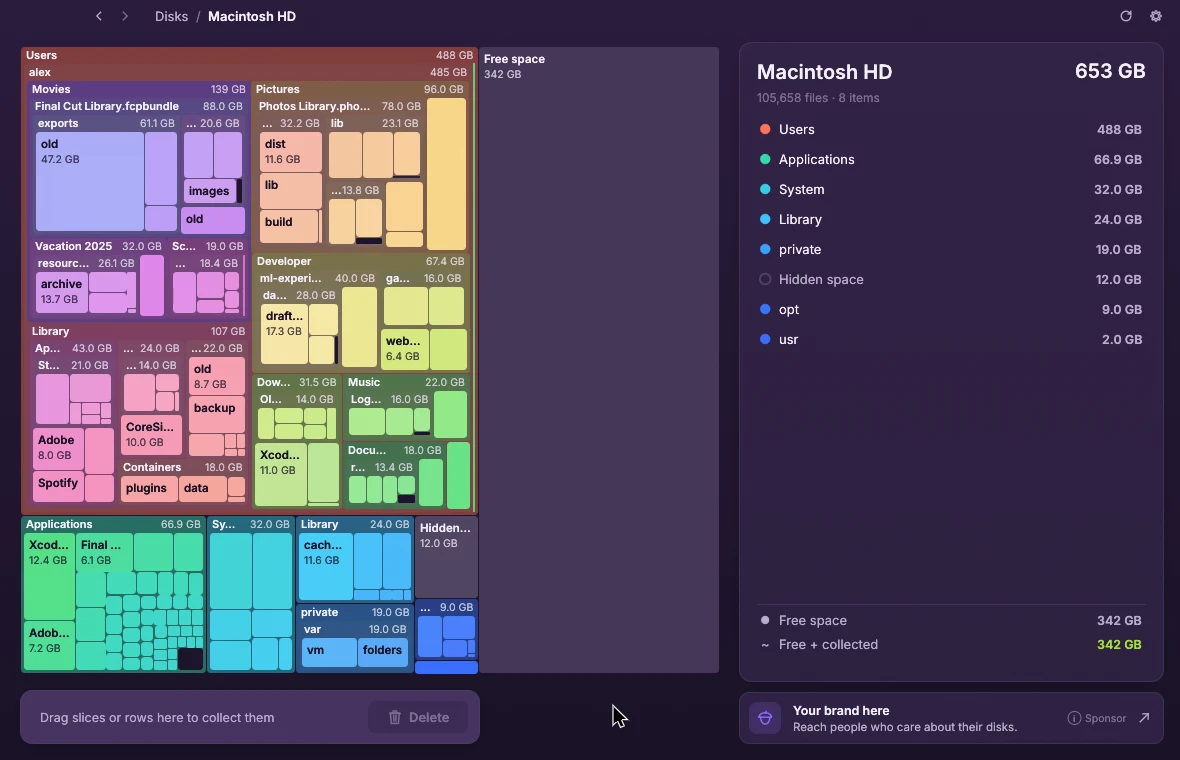
- Nested boxes with names and sizes
- Click to zoom into any folder
- Same collector and safety checks
- Switch anytime in Settings
Themes
Make it yours
Seven colour themes, optional sound effects and an adjustable chart depth.
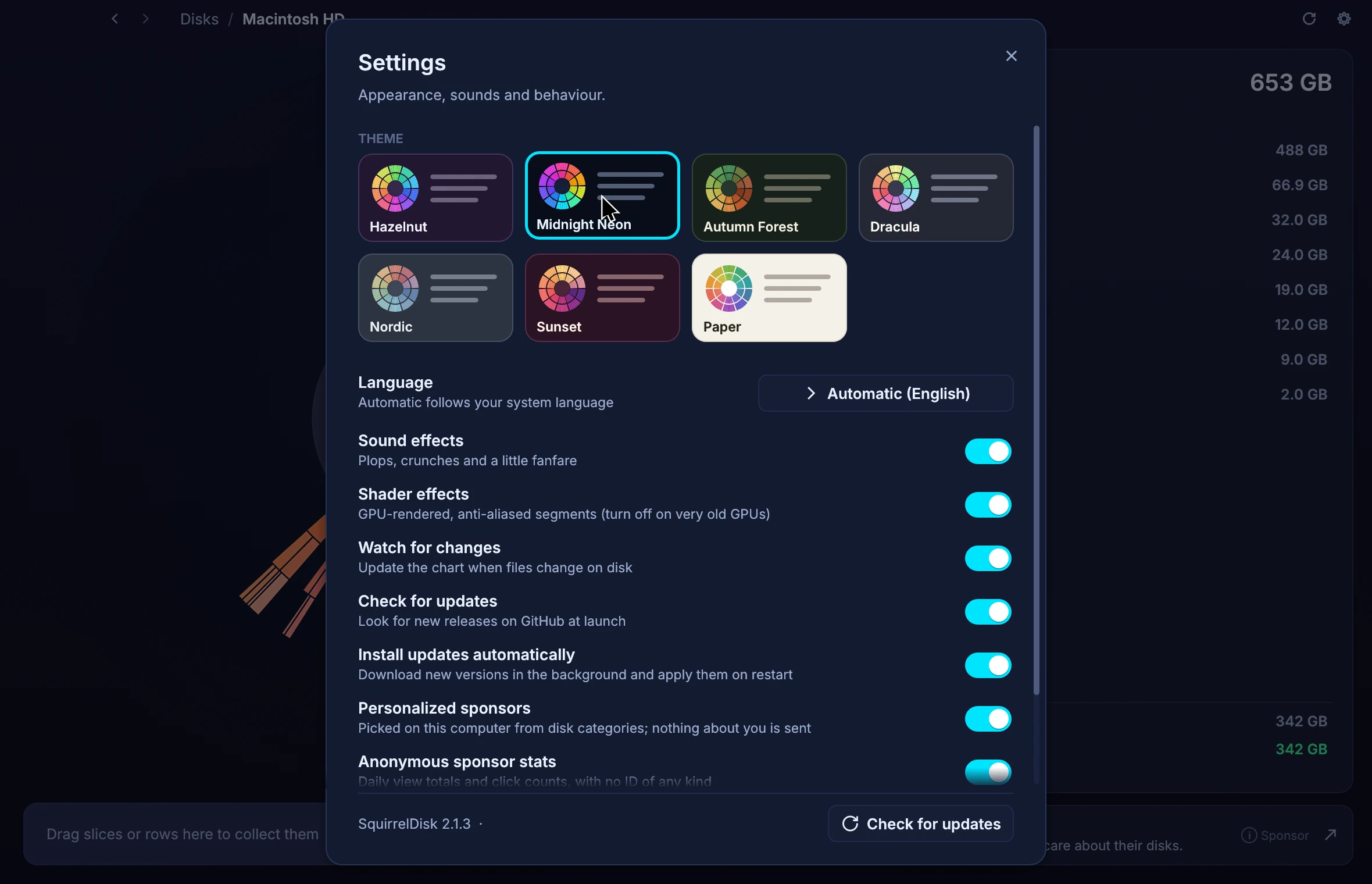
- Hazelnut
- Midnight Neon
- Autumn Forest
- Dracula
- Nordic
- Sunset
- Paper
Performance
Light on your machine
Written in Rust. It starts instantly and runs smoothly on older computers too.
≈ 8 MB
The whole app. No runtime, no web browser inside.
Seconds
To map millions of files on a modern disk.
Low memory
A small footprint, even for huge scans.
Privacy
Your files stay on your computer
SquirrelDisk never uploads your files or their names. No account, no tracking.
Sponsors are picked on your computer
The app downloads the same list of sponsors for everyone and chooses one locally. Nothing about you or your disk is sent.
Anonymous stats, or none
Optional daily view totals with no ID of any kind. Turn them off, or turn off personalized sponsors, in Settings.
No cookies, no analytics
Not in the app, and not on the sponsor links. Advertisers only ever see totals.
Download
Get SquirrelDisk
Version 2.6.1. Free, for every desktop. It updates itself when a new version comes out.
macOS
Apple silicon and Intel
Windows
Windows 10 and 11
Linux
x86_64
First launch on macOS
If macOS says SquirrelDisk “can't be opened” or “is damaged”, it's because the app is distributed outside the App Store. Either:
- Open System Settings → Privacy & Security, scroll down and click Open Anyway next to the SquirrelDisk message, then confirm.
- Or run this in Terminal, then open SquirrelDisk again:
xattr -dr com.apple.quarantine /Applications/SquirrelDisk.appOn recent macOS versions, right-click → Open is no longer enough.
First launch on Windows
If “Windows protected your PC” appears, click More info, then Run anyway.
For the portable .exe you can also right-click the file → Properties → tick Unblock → OK.
All builds and release notes are on the GitHub releases page.
FAQ
Questions and answers
Is SquirrelDisk really free?
Is SquirrelDisk still maintained?
macOS says the app can't be opened or is damaged. What do I do?
If macOS says SquirrelDisk “can't be opened” or “is damaged”, it's because the app is distributed outside the App Store. Either:
- Open System Settings → Privacy & Security, scroll down and click Open Anyway next to the SquirrelDisk message, then confirm.
- Or run this in Terminal, then open SquirrelDisk again:
xattr -dr com.apple.quarantine /Applications/SquirrelDisk.appOn recent macOS versions, right-click → Open is no longer enough.
Windows says "Windows protected your PC". Is that safe?
If “Windows protected your PC” appears, click More info, then Run anyway.
For the portable .exe you can also right-click the file → Properties → tick Unblock → OK.
Can I delete something important by mistake?
What does secure erase do?
Why does a folder look smaller than in other tools?
Can I scan a server or cloud storage?
How does it update?
Which languages are available?
25: English, 简体中文, हिन्दी, Español, Français, العربية, বাংলা, Português, Русский, اردو, Bahasa Indonesia, Deutsch, 日本語, मराठी, తెలుగు, Türkçe, தமிழ், Tiếng Việt, 한국어, Italiano, فارسی, Polski, Українська, ไทย, Nederlands.
SquirrelDisk picks your system language automatically; you can change it in Settings.
Something else? Ask on Discord or open an issue.