
Press kit
Writing about SquirrelDisk?
Everything you need is on this page: screenshots, videos, logos, colours and the key facts. Use anything here in articles, reviews and videos, no need to ask. If you'd like more, a quick question answered or a chat, just write.
Fact sheet
- Name
- SquirrelDisk
- Developer
- Adileo Barone, Italy
- First released
- 2022
- Latest version
- 2.3.0, 28 September 2026
- Price
- Free
- License
- Open source, AGPL-3.0
- Platforms
- macOS (Apple silicon and Intel), Windows 10 and 11, Linux
- Languages
- 25
- Built with
- Rust and egui (native, no Electron)
- Website
- squirreldisk.com
- Source code
- github.com/adileo/squirreldisk
About SquirrelDisk
Short version
SquirrelDisk is a free, open-source disk usage analyzer for macOS, Windows and Linux. It shows what's using your disk space as an animated sunburst or treemap, and helps you clean it up safely.
Long version
SquirrelDisk shows what's using your disk space as a colourful sunburst chart, or a treemap, that builds up live while the scan runs, so the biggest folders show up in seconds. Click to zoom in, drag folders into the collector, then move them to the Trash, delete them for good (with optional secure erase) or copy them to an external drive or the cloud first. System folders are protected, and sizes are honest: cloud-only files count as zero and hard links are counted once. SquirrelDisk can also scan remote servers over SSH and cloud storage such as S3, Google Drive and Dropbox through rclone. SquirrelDisk 2 is a from-scratch rewrite in native Rust by the original author. It is available in 25 languages, updates itself, and is free and open source under the AGPL-3.0 license.
About the developer
Adileo Barone is an Italian software developer and the creator of SquirrelDisk, which he started in 2022 and has since been downloaded more than 150,000 times. In 2026 he rewrote it from scratch in Rust to make it faster, lighter and available in 25 languages.
Screenshots
2400 × 1500 JPG. Each one comes with a caption, or clean with just the app on the background.
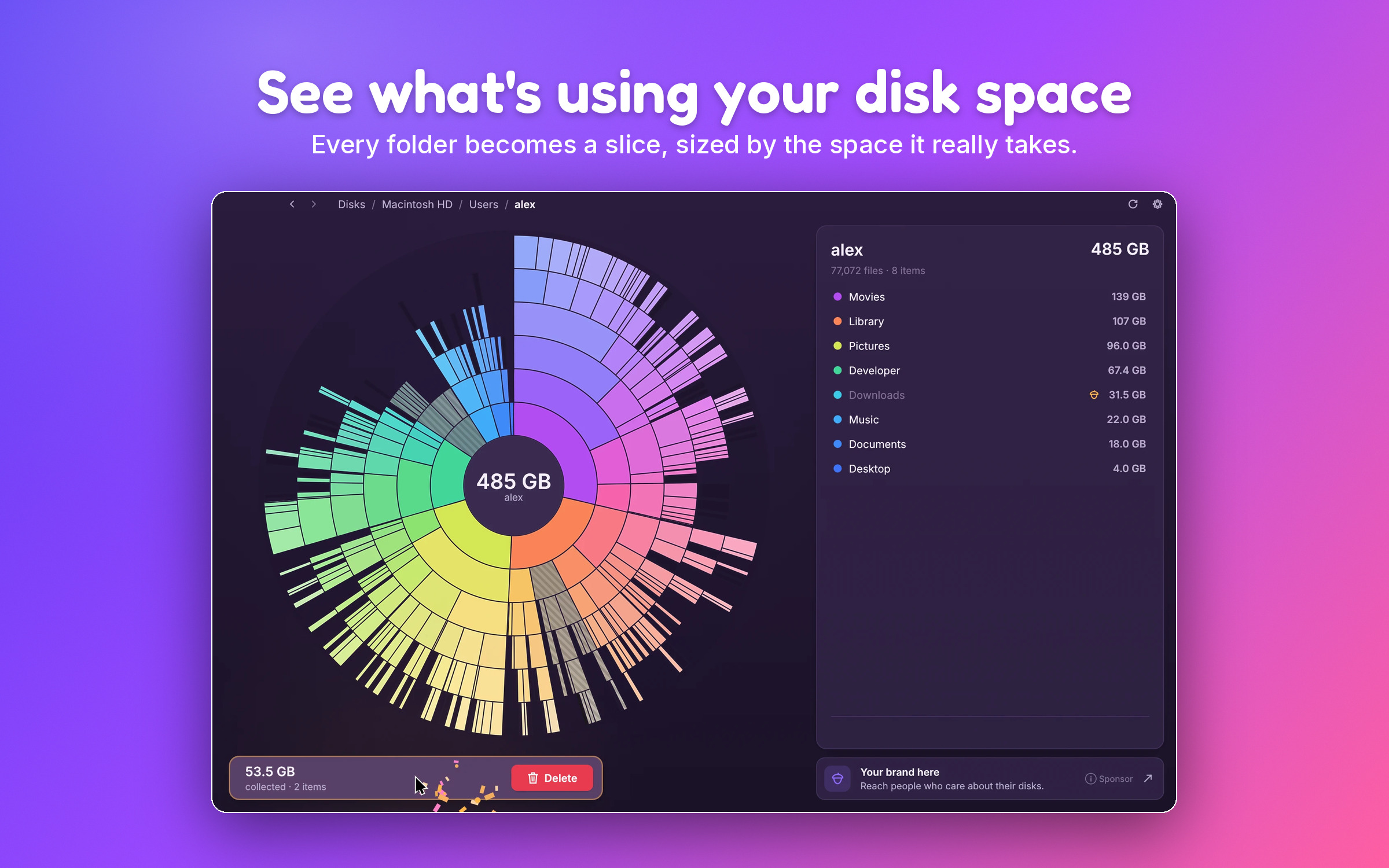
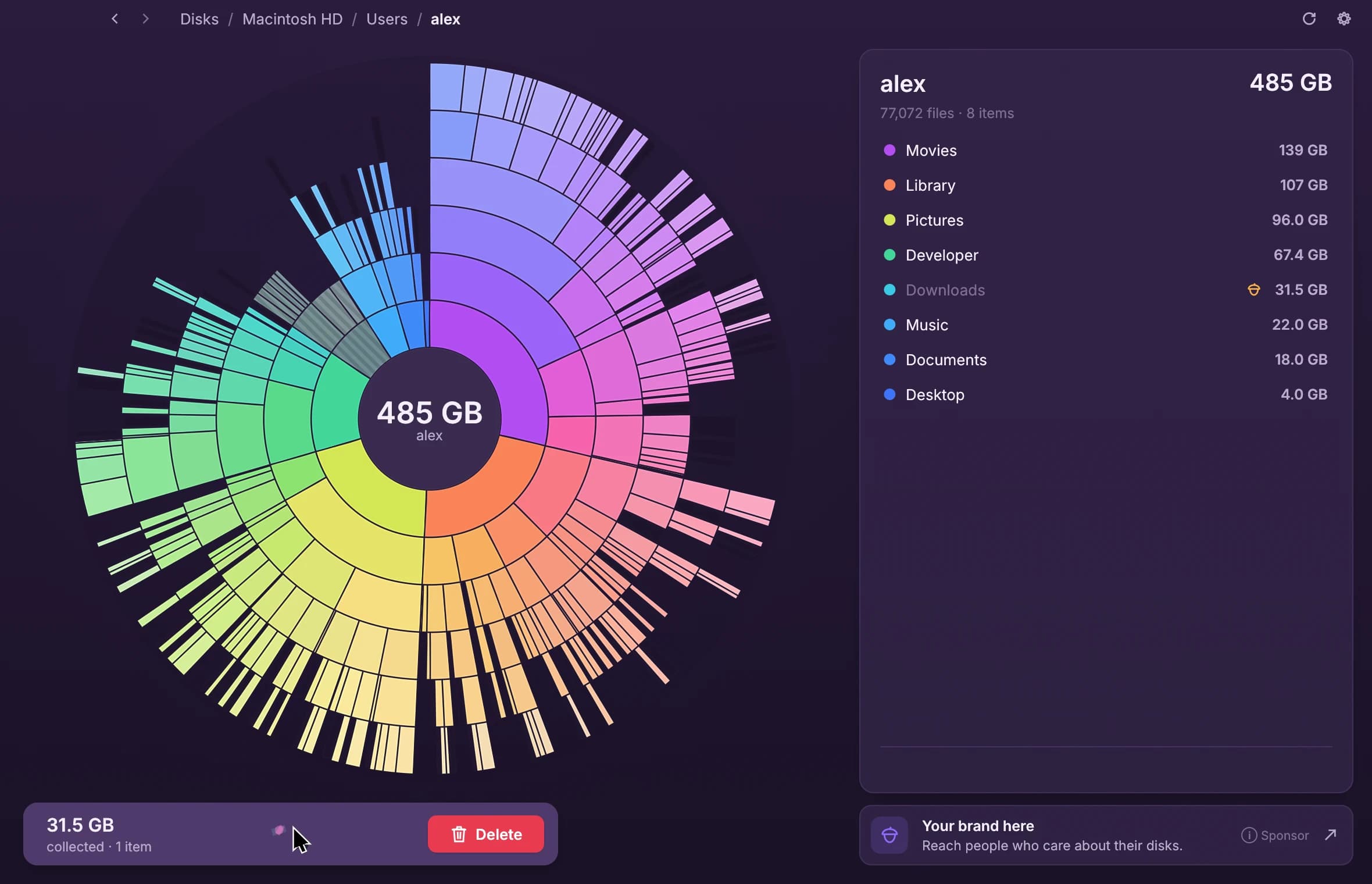
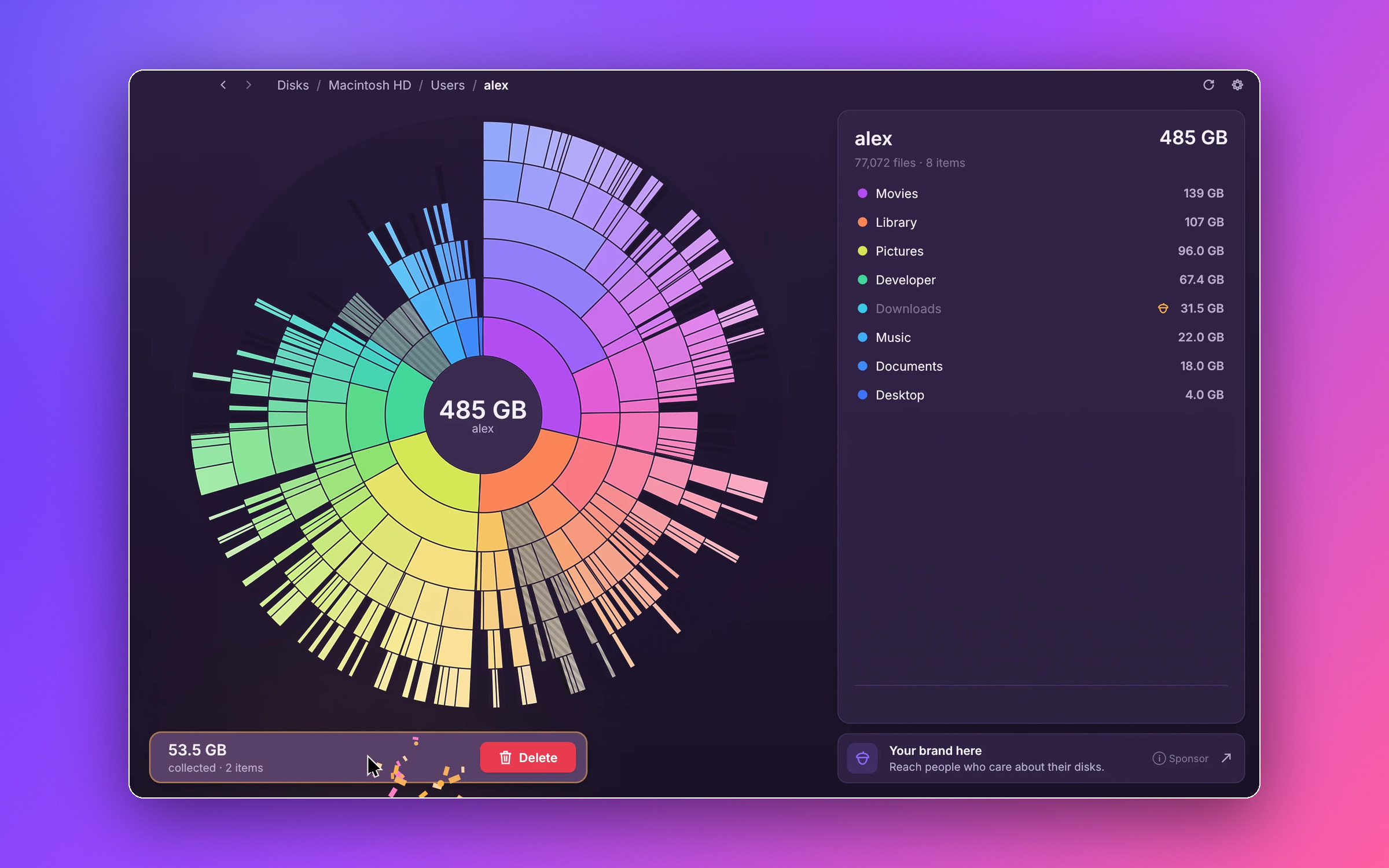
See what's using your disk space
The sunburst chart, with two folders in the collector.
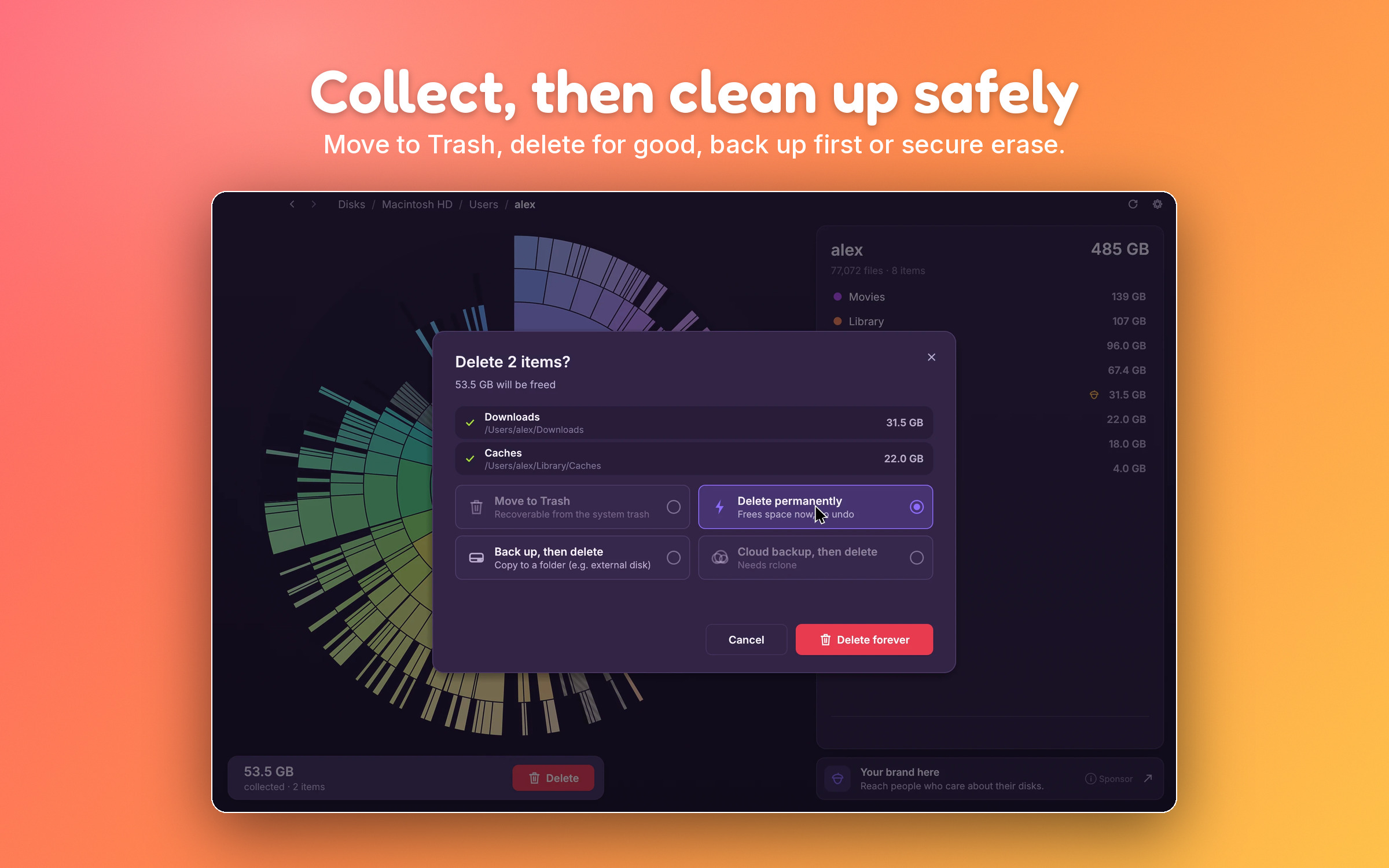
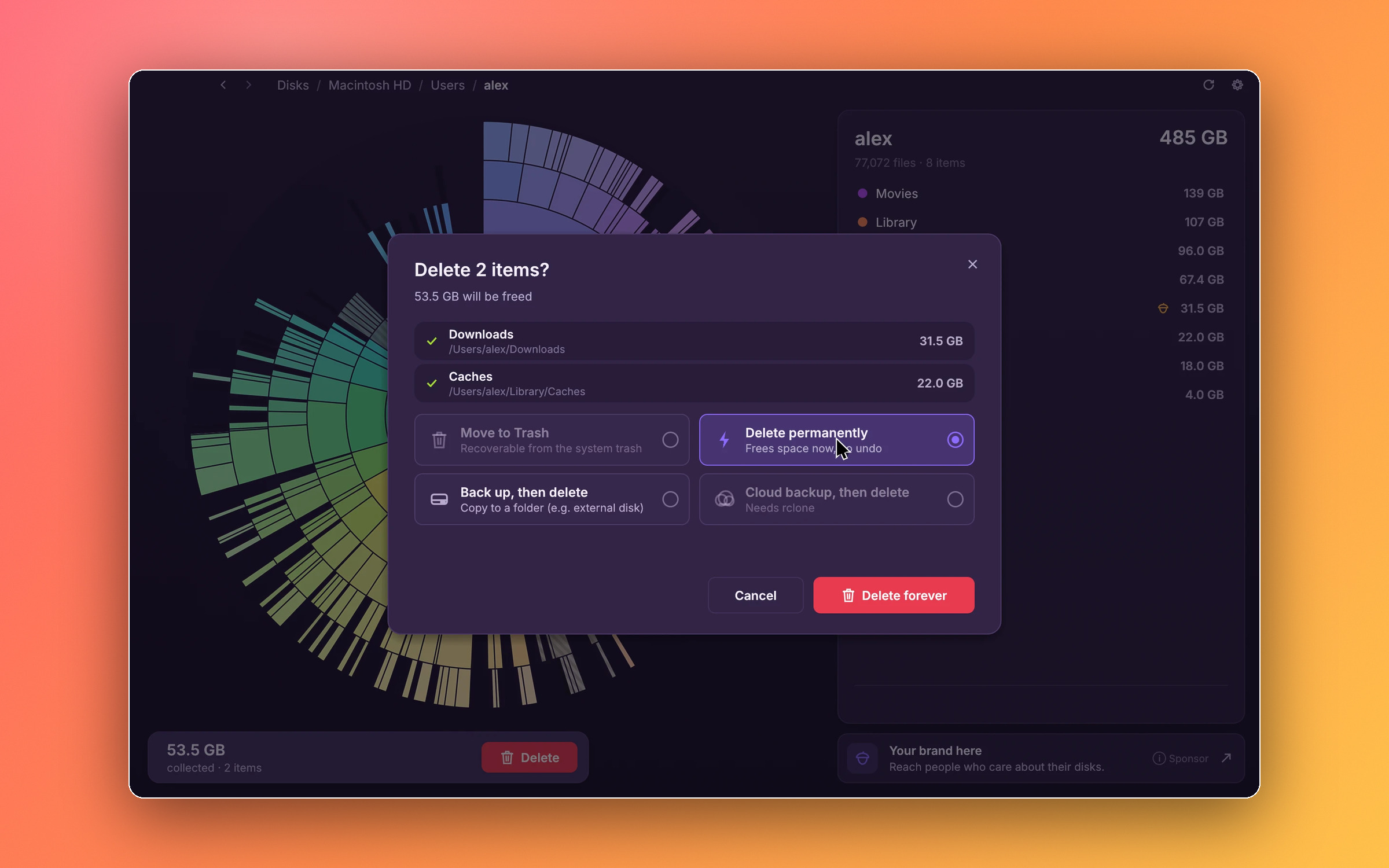
Collect, then clean up safely
Choosing how to clean up: Trash, delete, back up or cloud backup.
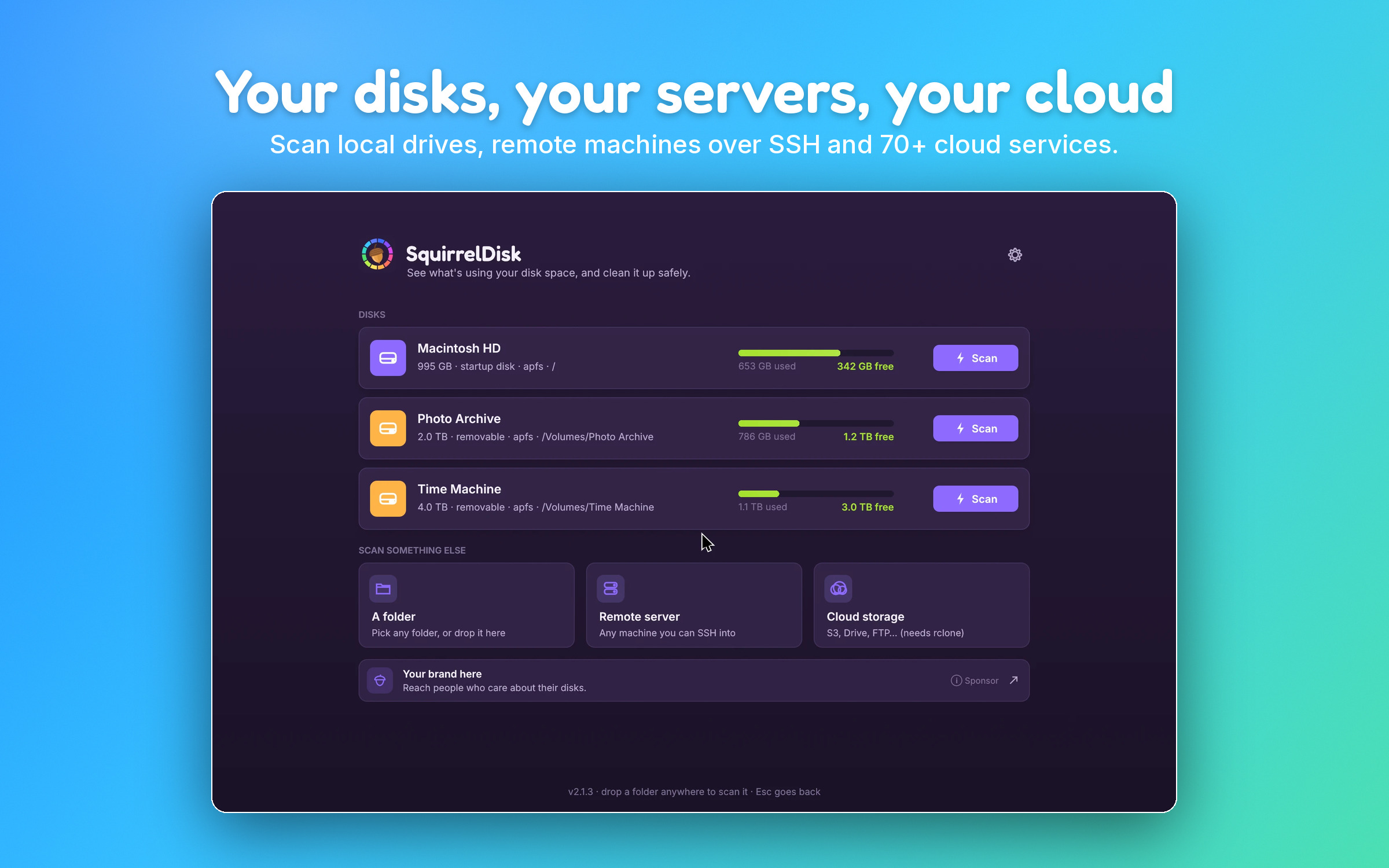
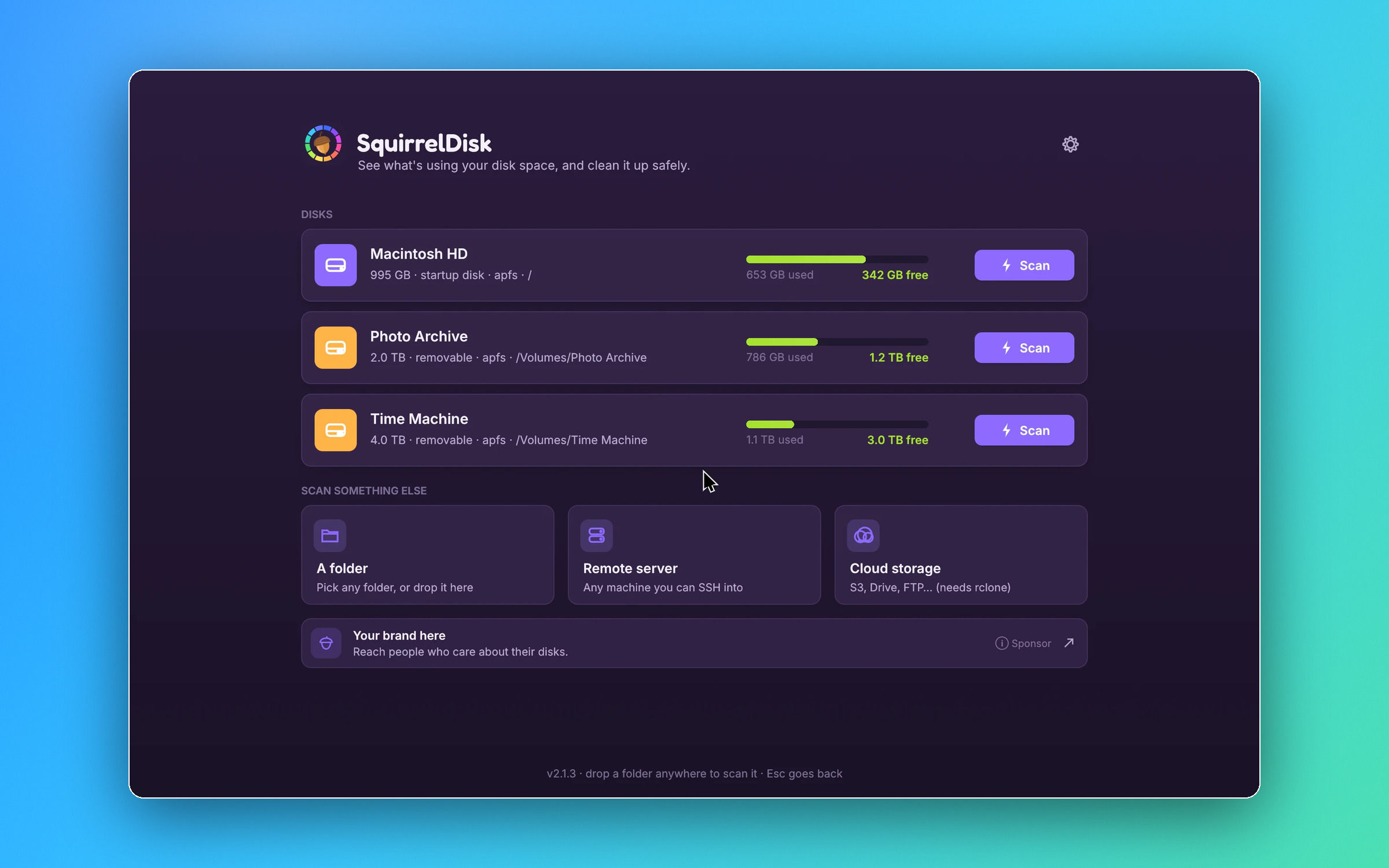
Your disks, your servers, your cloud
The home screen: local disks, a folder, a server over SSH or cloud storage.
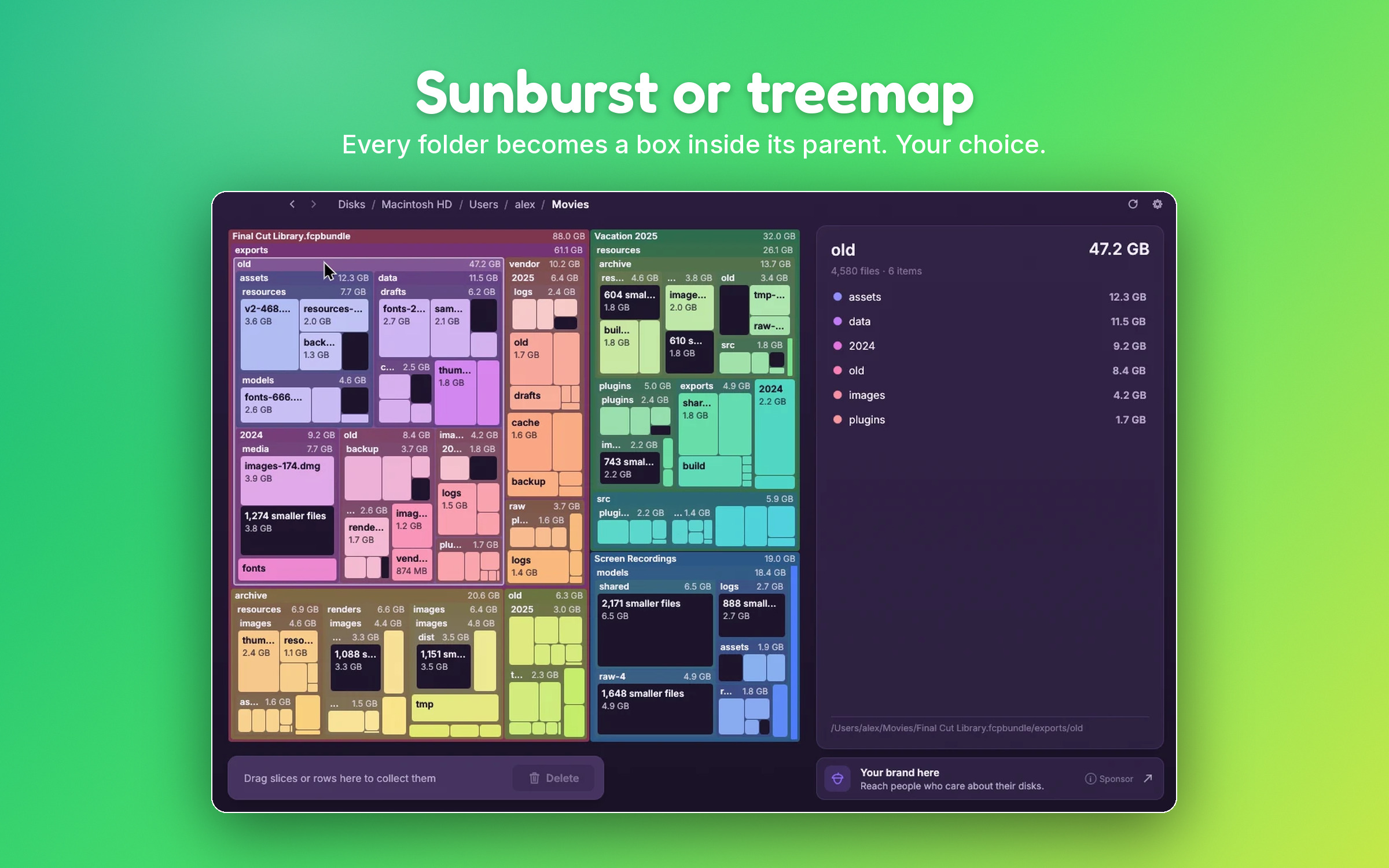
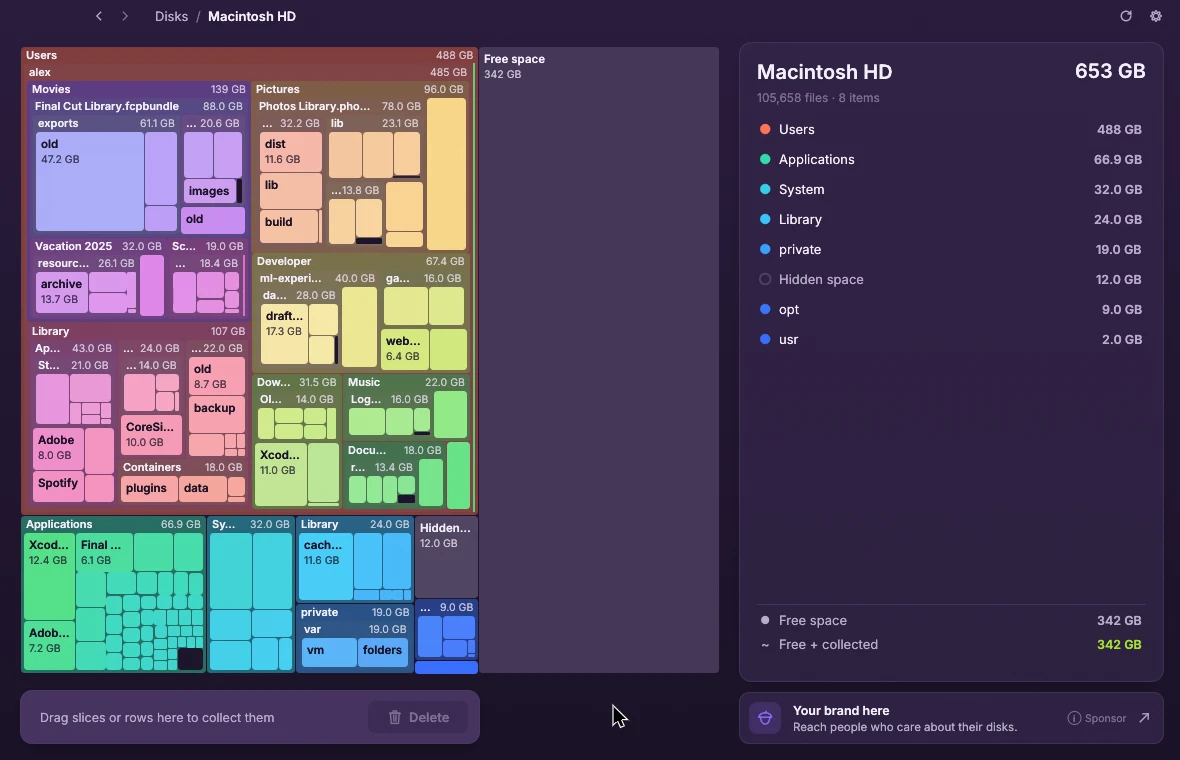
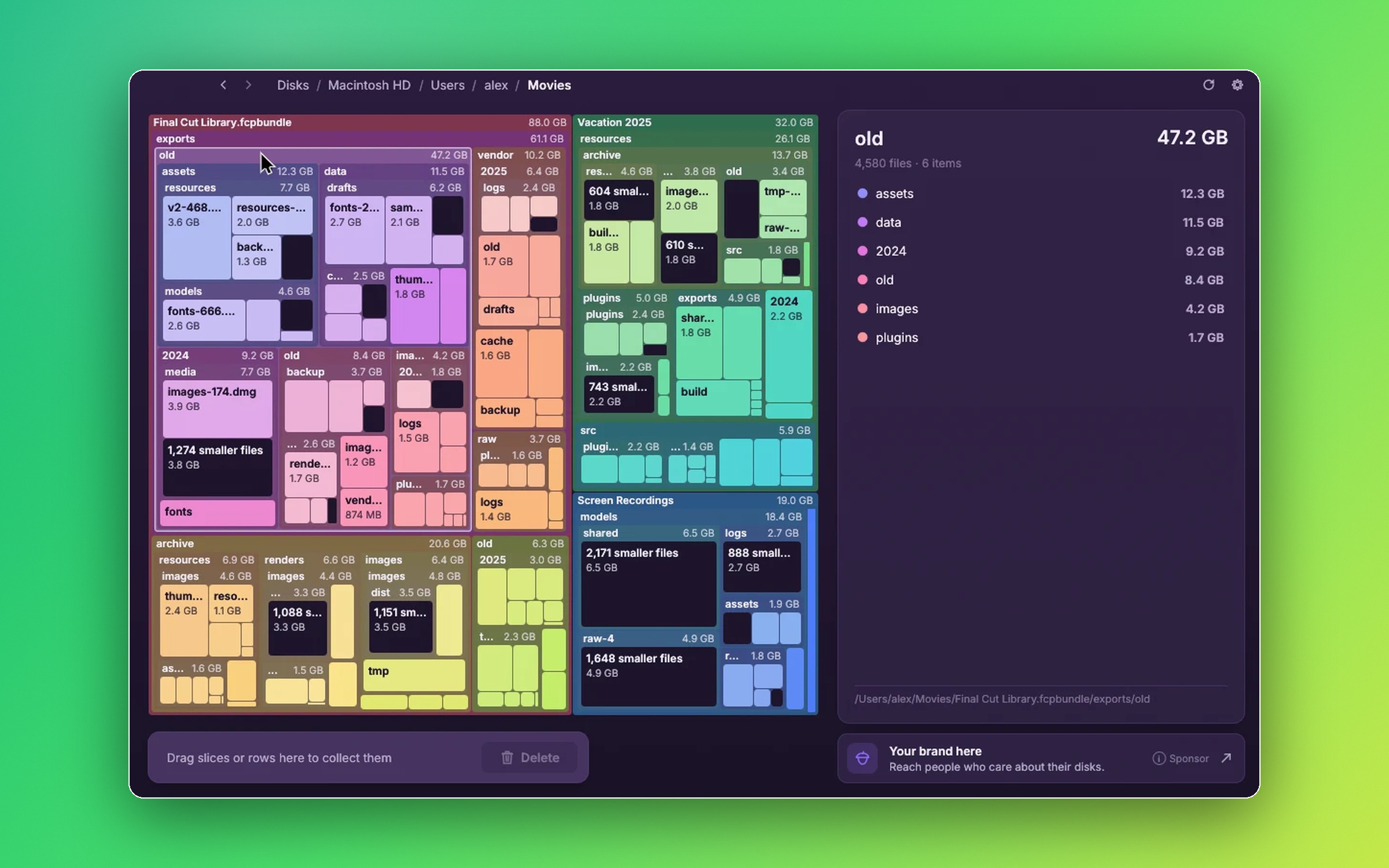
Sunburst or treemap
The treemap view of a Movies folder.
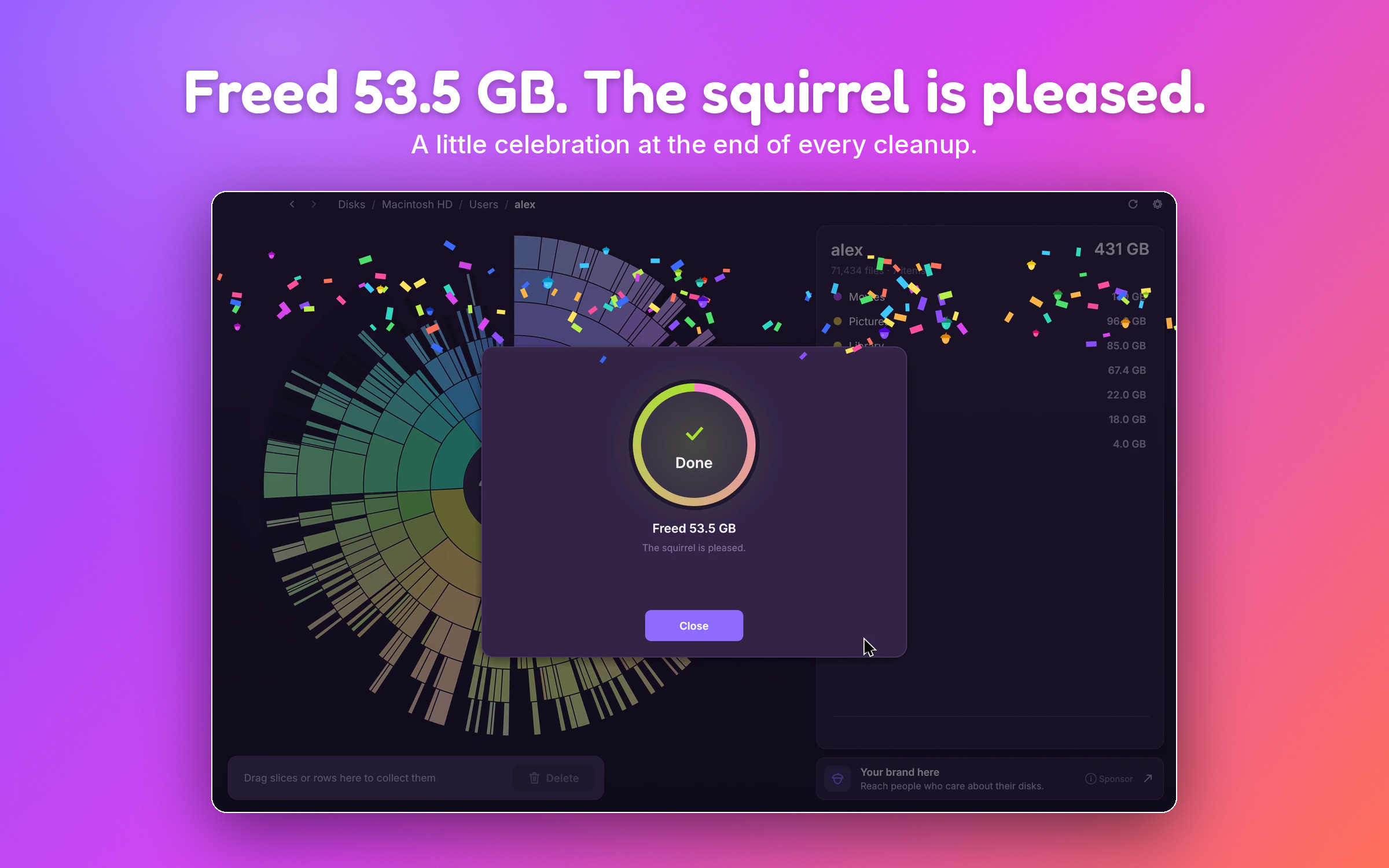
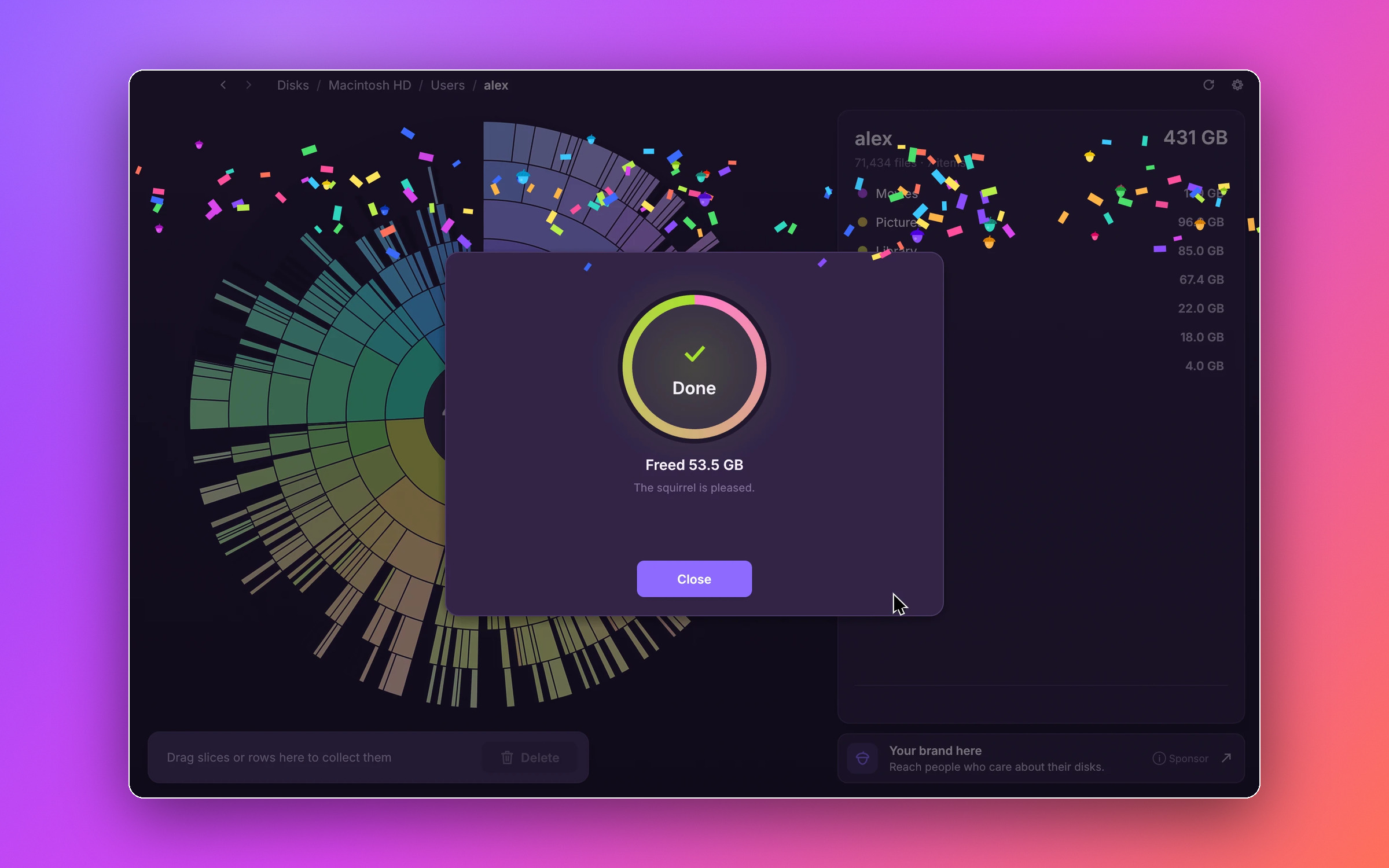
Freed 53.5 GB
The little celebration at the end of a cleanup.
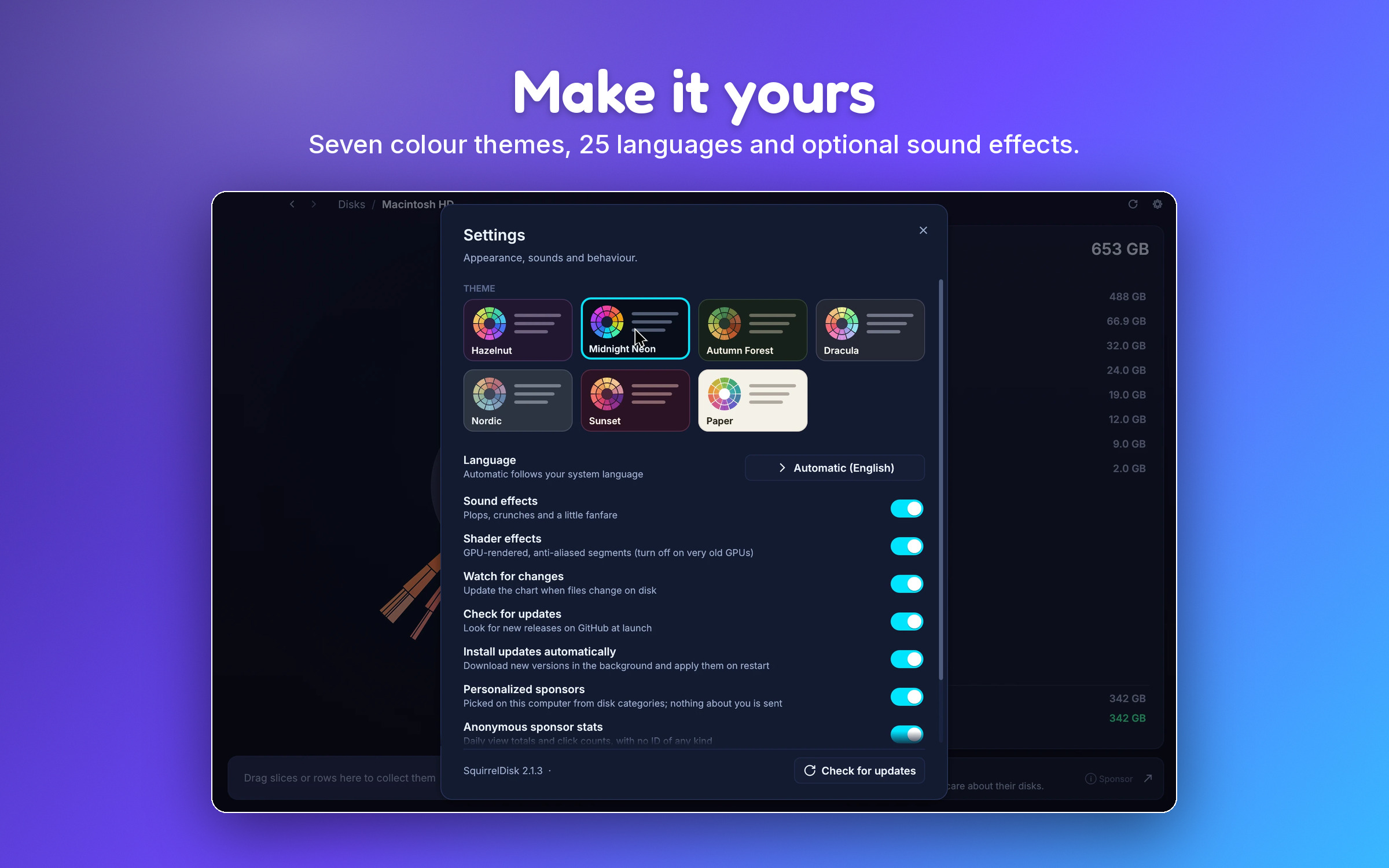
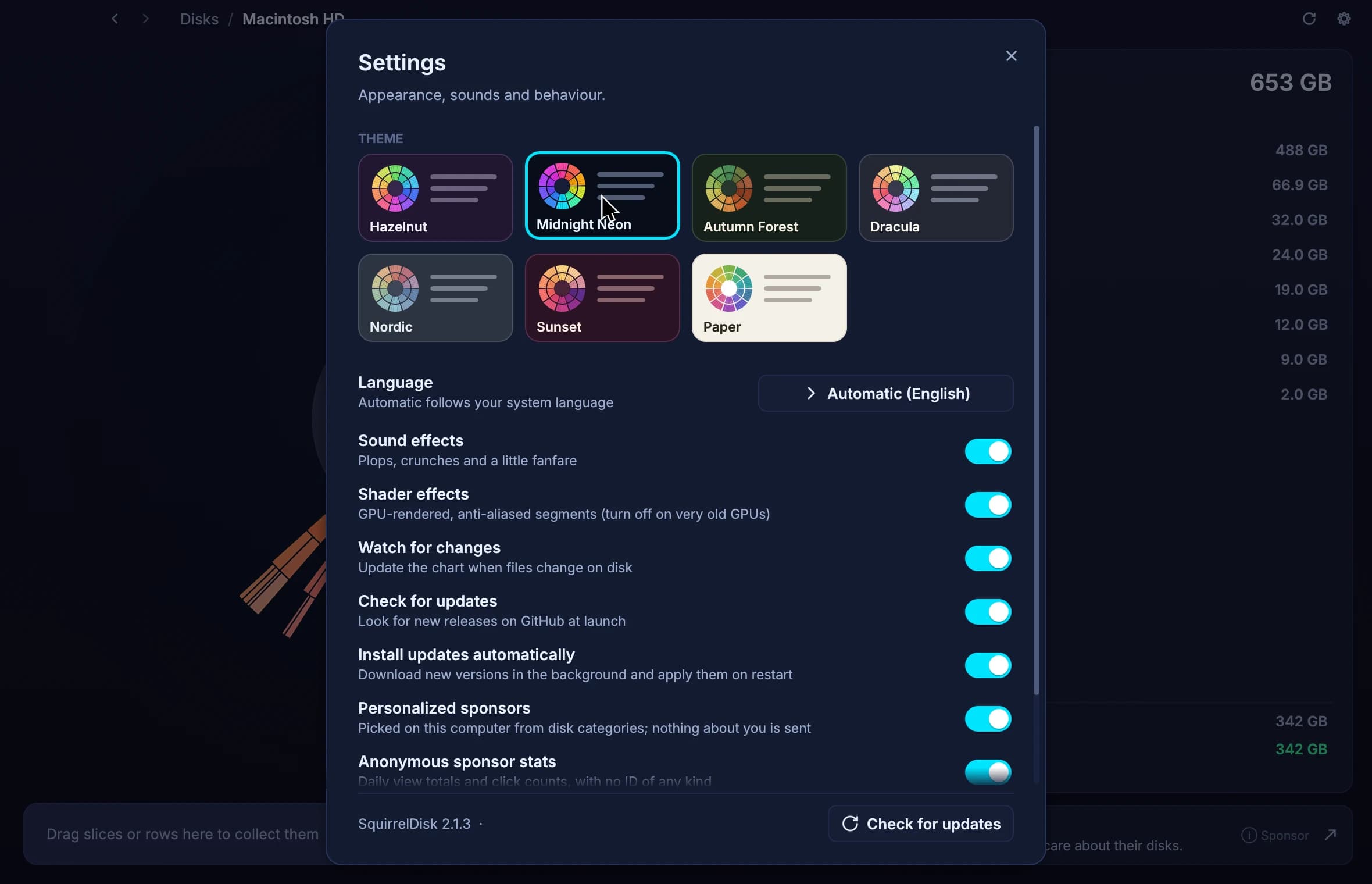
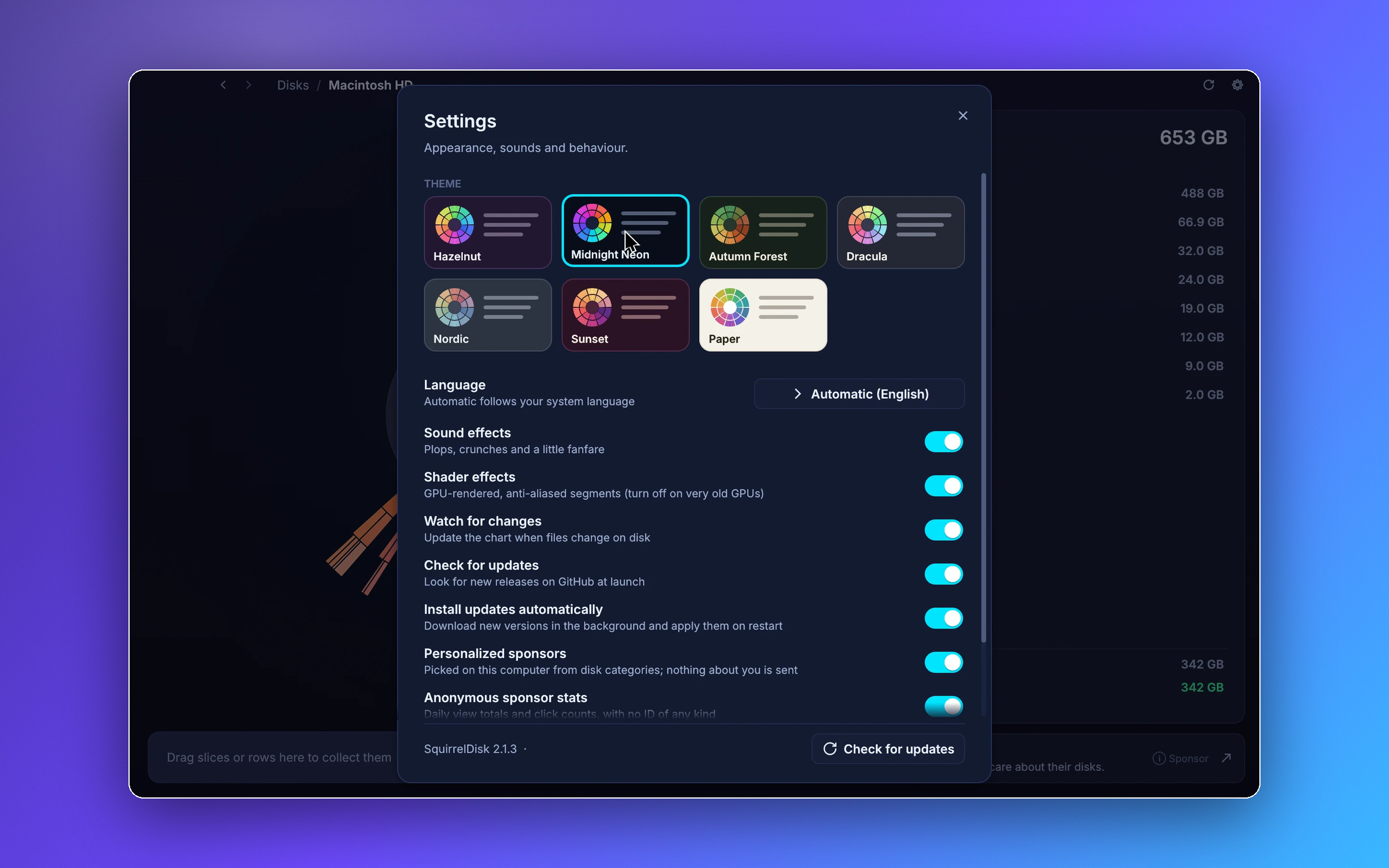
Make it yours
Settings, with seven colour themes.
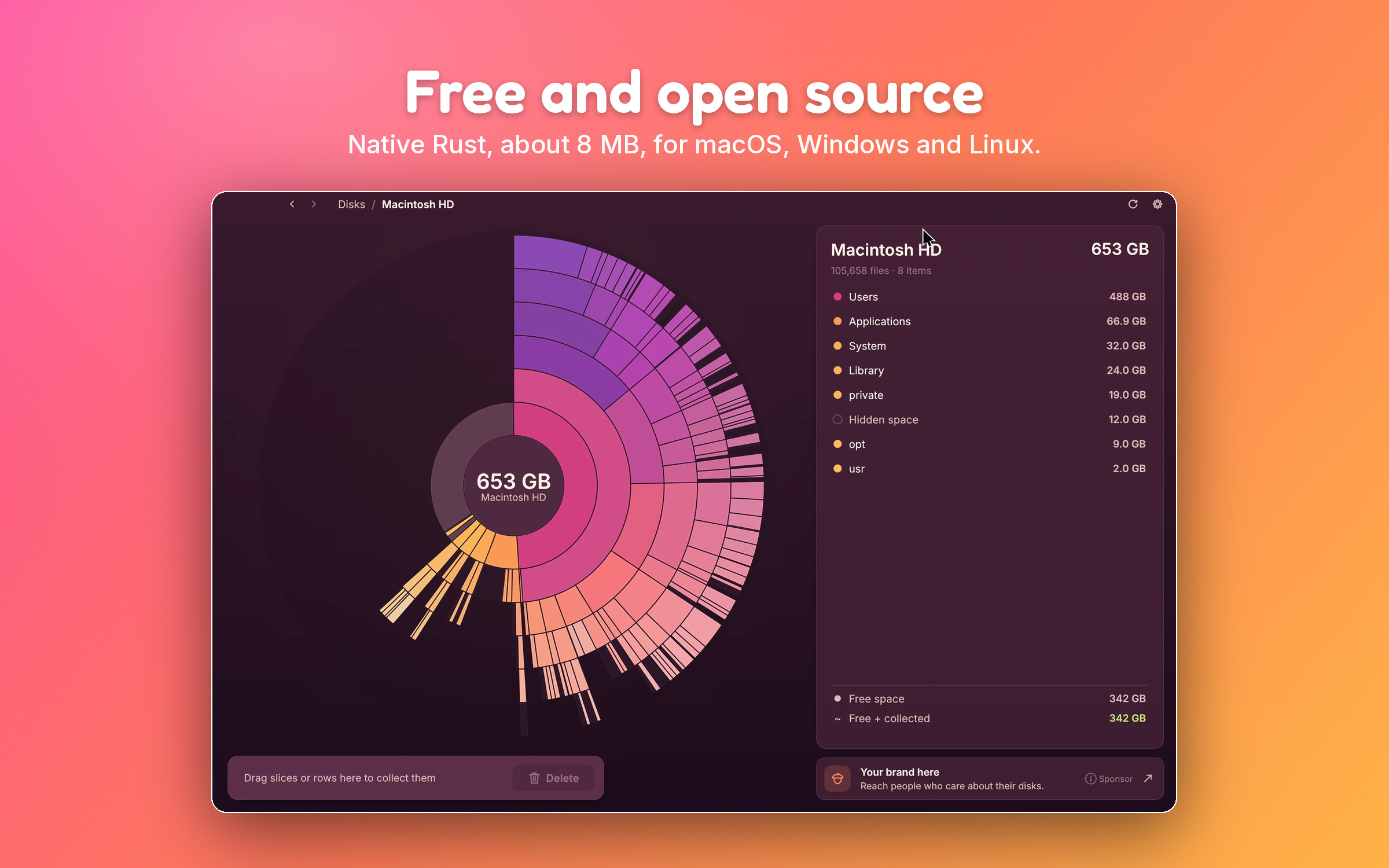
Free and open source
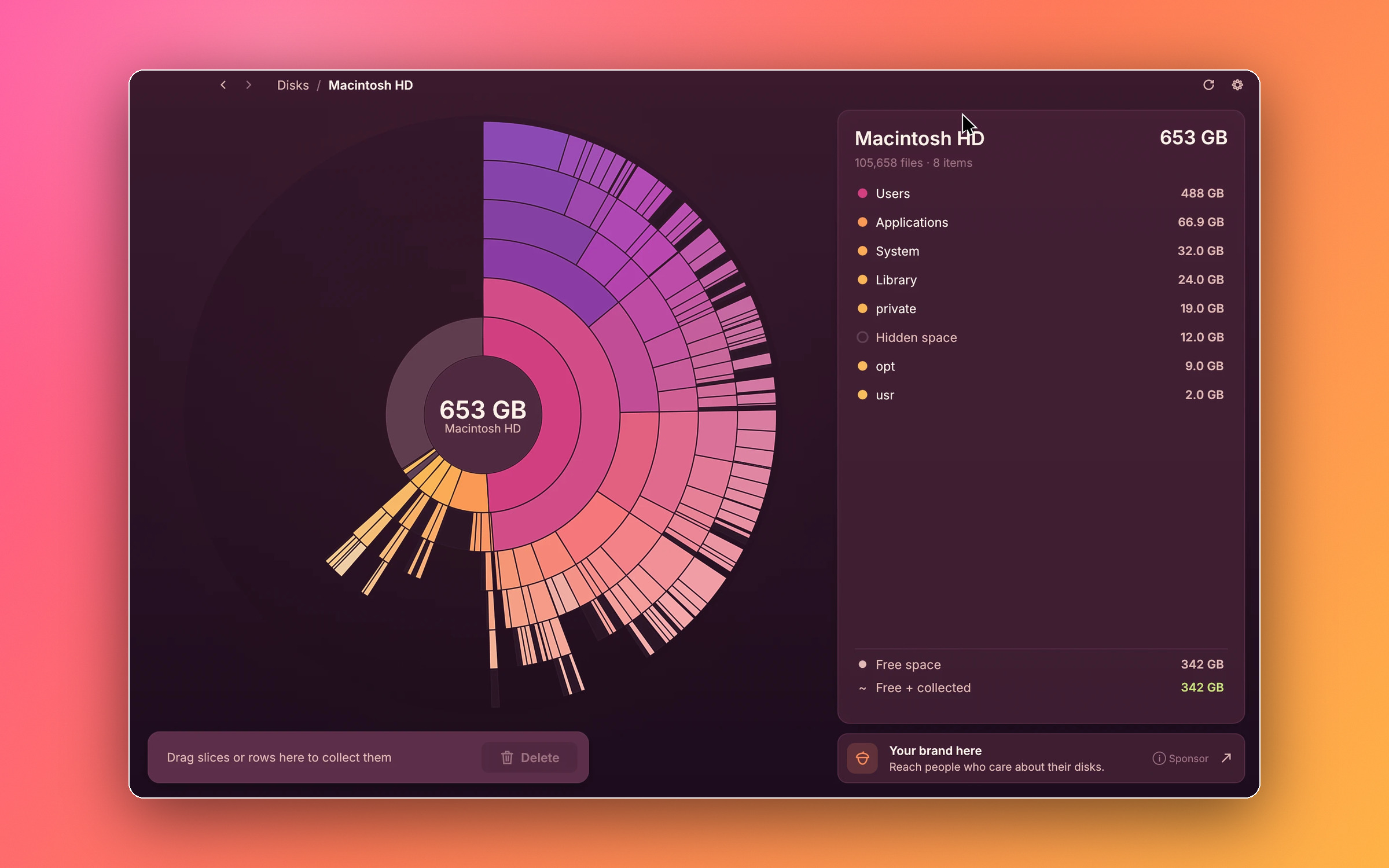
A whole disk in the Sunset theme.
Videos
Short screen recordings, MP4, no sound.
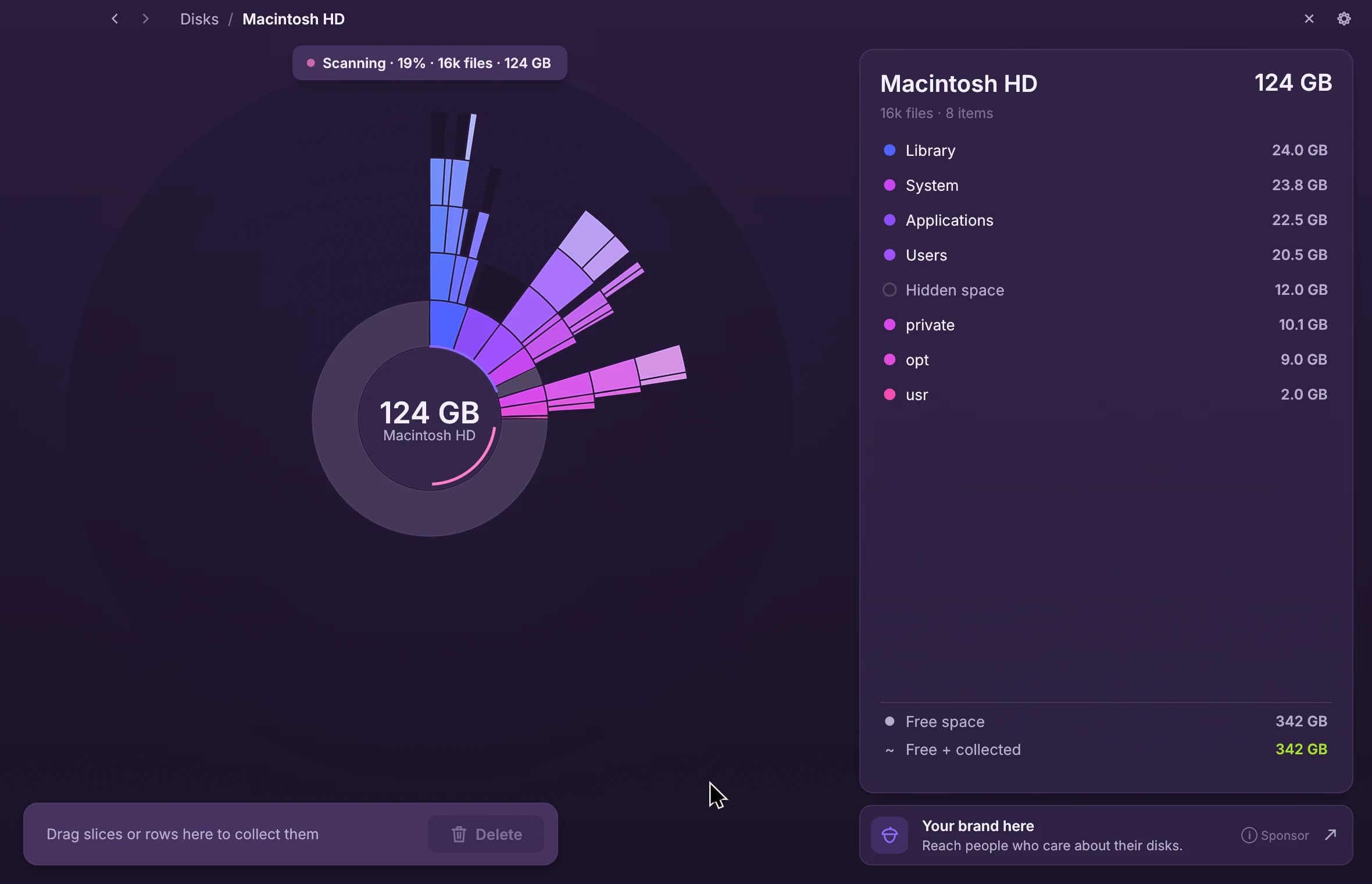
Logo and icon
Transparent PNG. Please don't change the colours or the proportions, and write the name as one word: SquirrelDisk.


Colours and type
Night
#1a1227
Plum
#36274c
Lavender
#8e6bff
Pink
#ff7ec8
Mist
#f4effa
Lilac grey
#b9accc
Chart rainbow
#396bff
#8b4dff
#d946ef
#ff4f9a
#ff705a
#ffb347
#ffe45c
#b8f04a
#4ce06a
#2fd8c0
#3ac8ff
Questions, interviews, review builds
Write to Adileo directly, in English or Italian.
adileo.barone@proxima.srl